
How to Automate Your First AI Workflow (Without Coding)
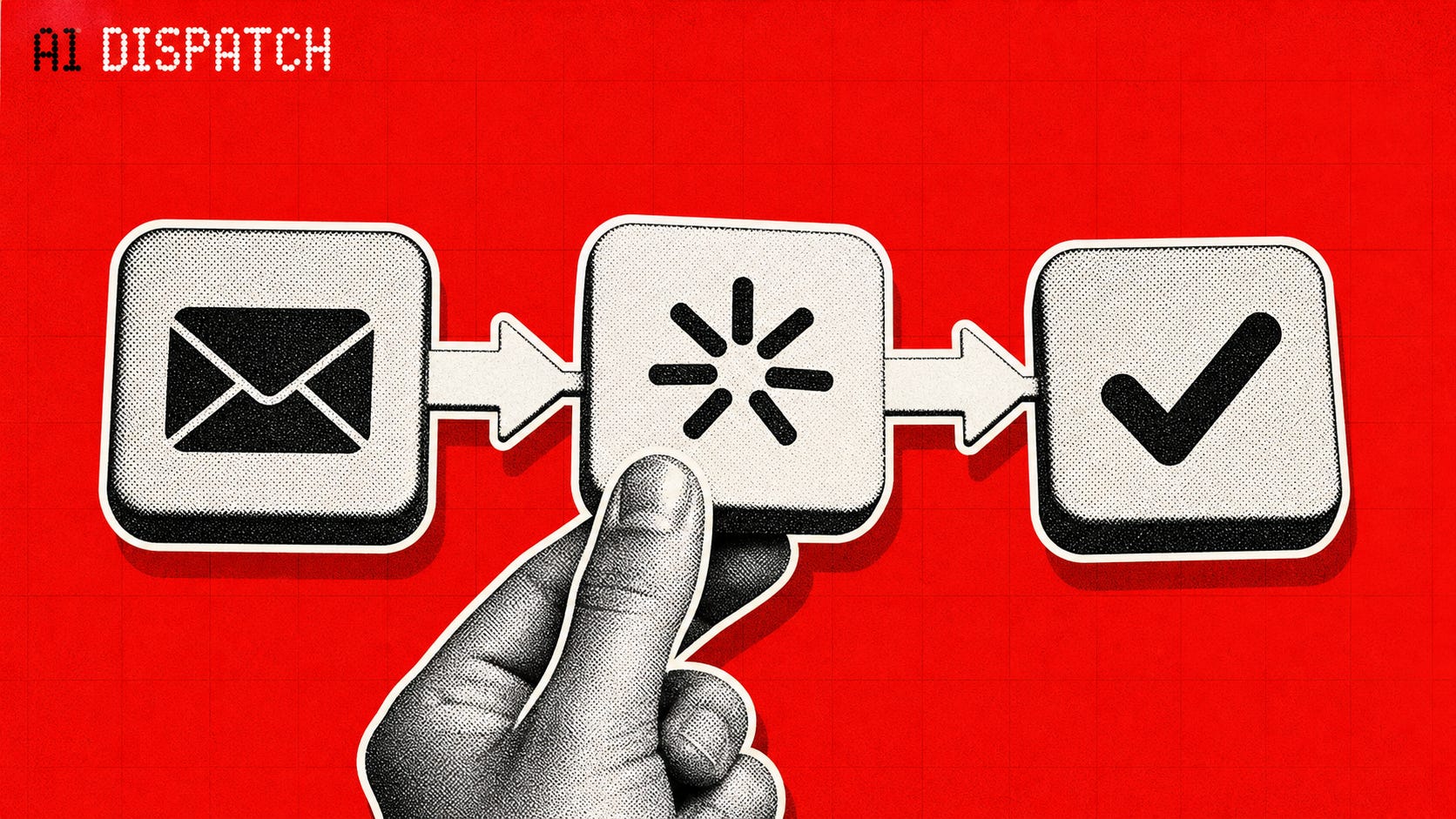
Automating ONE job or daily task is the first step to becoming AI native and building incredible leverage with AI. Don’t be intimidated by people who seem to have Jarvis on their payroll.
What you’ll need:
Either the Claude or ChatGPT desktop app
That’s it.
Step 1: Pick Your Snowball Automation
Don’t start with the biggest pain in your butt.
Instead of going after the most important or highest leverage task on your plate, the goal is simply to DO one repetitive task on autopilot.
Automating something is better than obsessing over strategy right now. Just like Dave Ramsey’s Debt Snowball method of paying off the lowest dollar-value debt first, getting good with AI is more about making things practical and done first rather than beautiful and “almost there.”
So pick the smallest, most obvious, and easiest thing you can think of:
remind yourself to take some supplements or drink water
have an AI summarize social media so you spend less time doomscrolling
create action items from one scheduled meeting you have every week
Step 2: Begin With The End In Mind
This step is important even if it sounds redundant.
I get questions every week inside AI Writing Skool during my office hours centered around automating huge jobs, or navigating complex websites, or building a new app with AI in it.
You will be tempted to open your AI to start prompting and testing immediately. While you’ll make progress doing this, what I see usually see instead is this:
You go down the rabbit hole of what you could do with AI instead of what you specifically need done.
Instead, ask:
What does “Done” look like for this task?
3 action items from the meeting?
A reminder you know you’ll read? Texted to you? Emailed?
How do I know it gets done?
How do I make sure it doesn’t get lost?
The mistake people make when doing this exercise is adding to what “Done” looks like.
For instance, instead of getting a summary of a meeting, they then want the summary turned into a social media post. Then after that, they want a slideshow to go with it. THEN they want it automatically posted to Linkedin for them.
Start small, start boring, start right now, and start with one.
Step 3: Work Backwards To The Trigger.
In our Personal Agent Bootcamp last month, we talked about two types of triggered automations
Scheduled, which happen at a consistent time interval
Responsive, which happen when an event takes place, like a notification
Scheduled triggers work best for your first Automation, so start there.
What time does this automation need to happen every day/week/month?
When does this need to happen? Who or what starts it? Then connect the dots with our AI tools.
“But Mitch, what tool should I use? Is Claude better than ChatGPT?”
Start with whichever tool you already find yourself reaching for.
The same way you instinctively open Google when a question pops up.
There is no universally “best” tool.
The right one is the one that removes friction for you.
I reach for Claude by default (especially Code or Cowork, even for non coding tasks).
That said, Cowork has been extremely unreliable with connectors recently, so I’ve been moving more to Hermes agent and the Codex app (now just called the ChatGPT desktop app).
And as an example, here’s a dead-simple automation I actually use:
Example: Water My Plants Reminder
Enable iMessage on Claude Desktop.
Set a scheduled task in cowork: Around the closest weekend day to the 1st of each month, have Claude send me a text: “Time to water the plants?”
I reply with a thumbs-up emoji and move on. Done.
This took under 10 minutes to set up and runs on autopilot. No coding. Just one small win that compounds trust in the system.
Yes you can use a reminders app.
Yes you can just schedule this in your calendar.
There will be a lot of overlap in your first automations between what an AI should do that there might already “be an app for that.”
The point is to start reaching for AI by default, and then you’ll naturally expand what you are able to do.
Where do I find these things? Claude can text me?
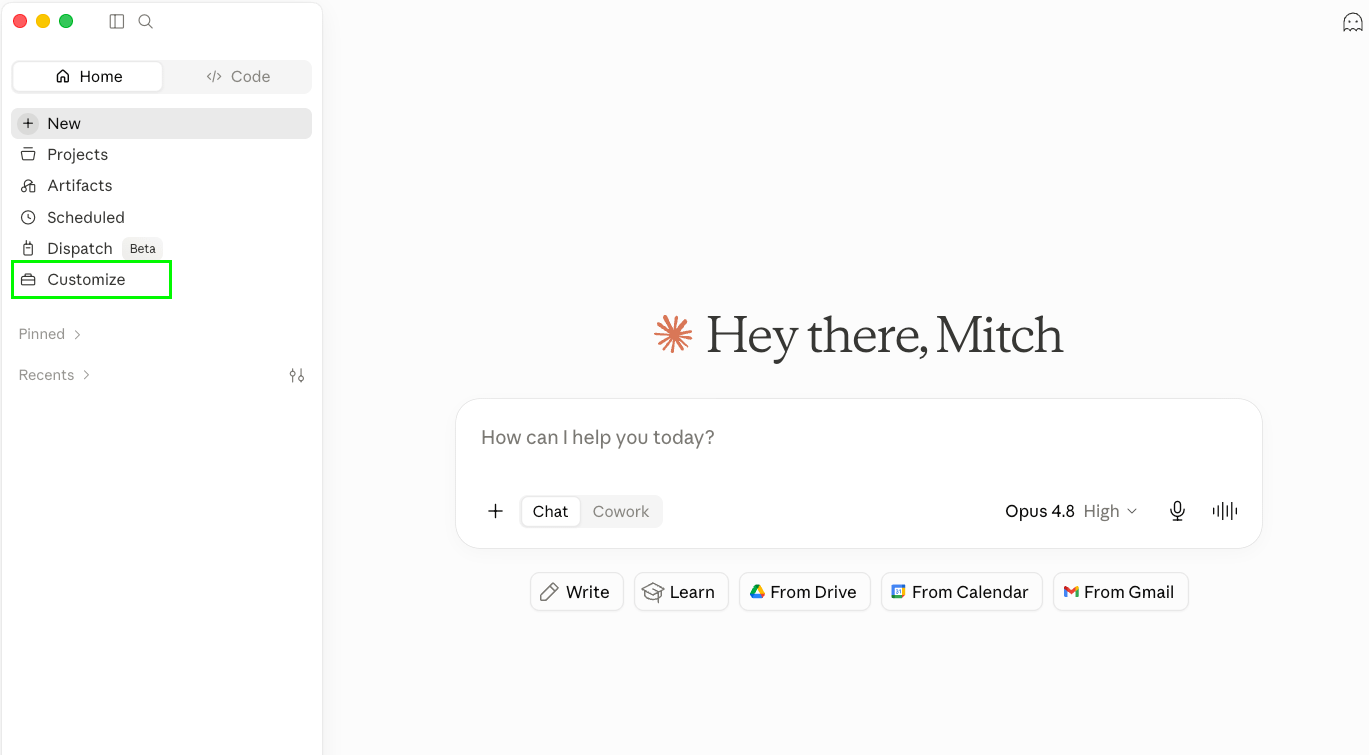
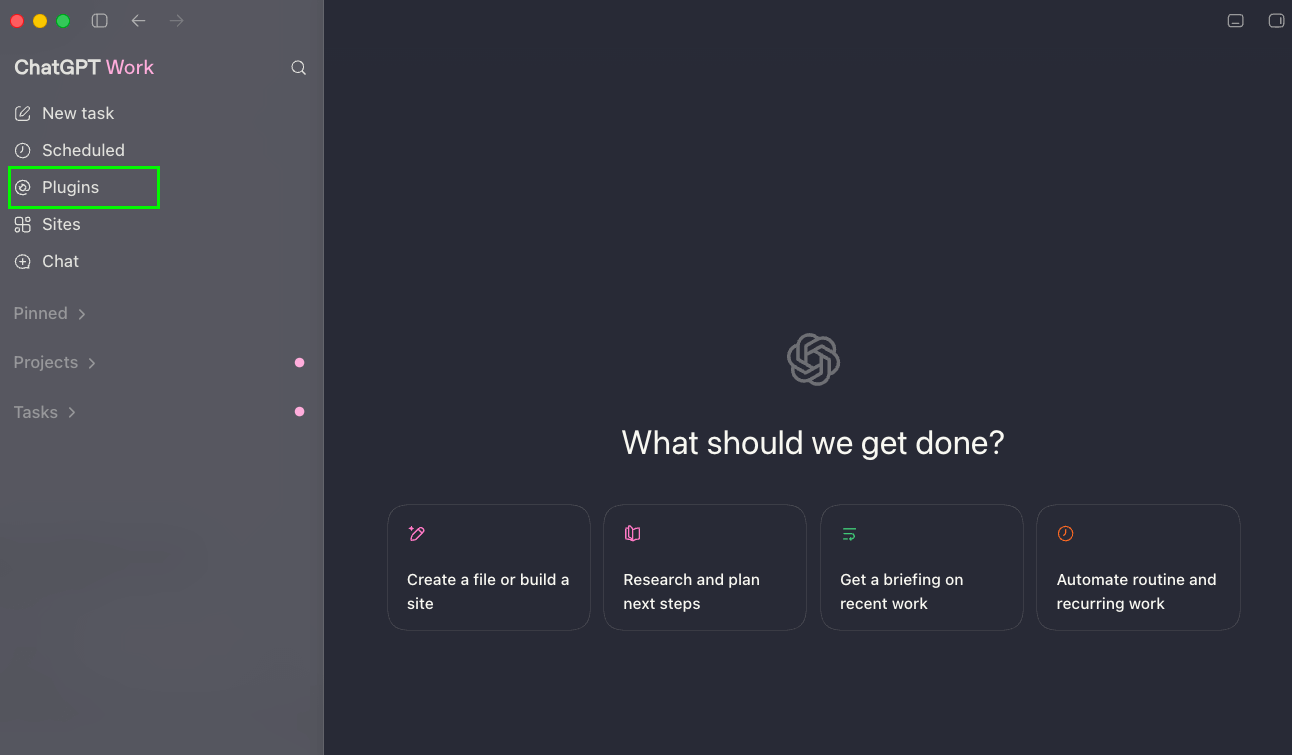
Here are the places you’ll look in ChatGPT, Claude, and Grok for your trigger/automation connections.
Claude Connectors + Extensions
ChatGPT Plugins
Grok Skills & Connectors
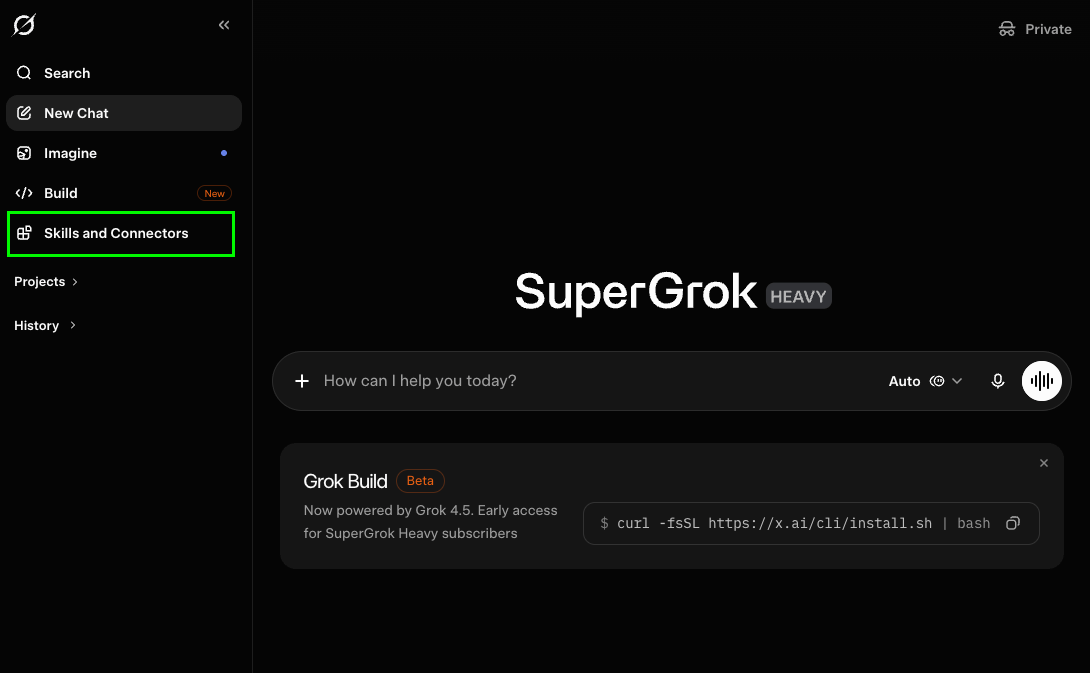
And to give you even more of a head start, I’ve made you a quick interview prompt that will help you through this whole process.
Copy and paste it into your favorite AI app, and it’ll help you wire it all up!
The “My First Automation” Interview Prompt
Your job is to interview me and help me design my very first simple AI automation (a "Snowball Automation") with zero coding.

First, tell me which AI I am currently using (Claude Desktop, ChatGPT Desktop, Grok, or another). Then confirm my connectors and available services based on that tool.

Interview me using this exact structure. Do not skip sections. Be direct and challenge me when I try to overcomplicate.

---

SECTION 1: BEGIN WITH THE END IN MIND

Ask me:
"What does 'perfectly done' look like for this task? Describe the exact output or result you want, nothing more."

After I answer, challenge me if the scope is too big. Push me to shrink it to ONE reliable outcome. Only move forward once the "Done" state is small and clear.

---

SECTION 2: DETECT MY TOOL & CONNECTORS

Confirm which app I am in right now.
Then ask:
"What connectors, services, or apps do I have access to inside this tool? (Examples: iMessage, email, calendar, Notion, Google Sheets, Slack, etc.)"

List them clearly for me.

---

SECTION 3: WORK BACKWARDS – BUILD THE FULL WORKFLOW

Using only the connectors I actually have, create a complete step-by-step automation plan.

For each step, be extremely specific:
- Exact trigger (Scheduled or Responsive)
- Exact action the AI takes
- Exact output and where it goes
- Any confirmation or logging step

Do NOT skip steps. Do NOT assume I have advanced features. Keep it dead simple and reliable.

After the full workflow, give me:
- A "Test Manually First" checklist (3–5 steps)
- One clear "Next Snowball" suggestion after this works for 7 days
- A simple way to log completions so I can see the pattern over time

End by asking: "Which part of this plan feels easiest to set up first?"

My first Snowball task is: [PASTE YOUR TASK HERE]
One small automation completed is worth more than ten perfect plans that never get published.
This is how you become AI-native: through tiny, reliable wins that stack and stack and stack until you can focus on the big stuff.
Keep it simple. Celebrate the win. Then ask yourself: “What’s the next tiny job I can automate?”
You’ve got this.
-M
P.S. I’m running a Claude Fundamentals Sprint later this month. If you want to join the waitlist, check it out here. Enrollment opens on Monday, July 13th